The most effective way to stand out for maritime jobs is a complete CV. The seafarer CV on Faroys brings together, in one layout, the information employers posting seafarer jobs look at most. And creating it is free.
1. Open a free seafarer account
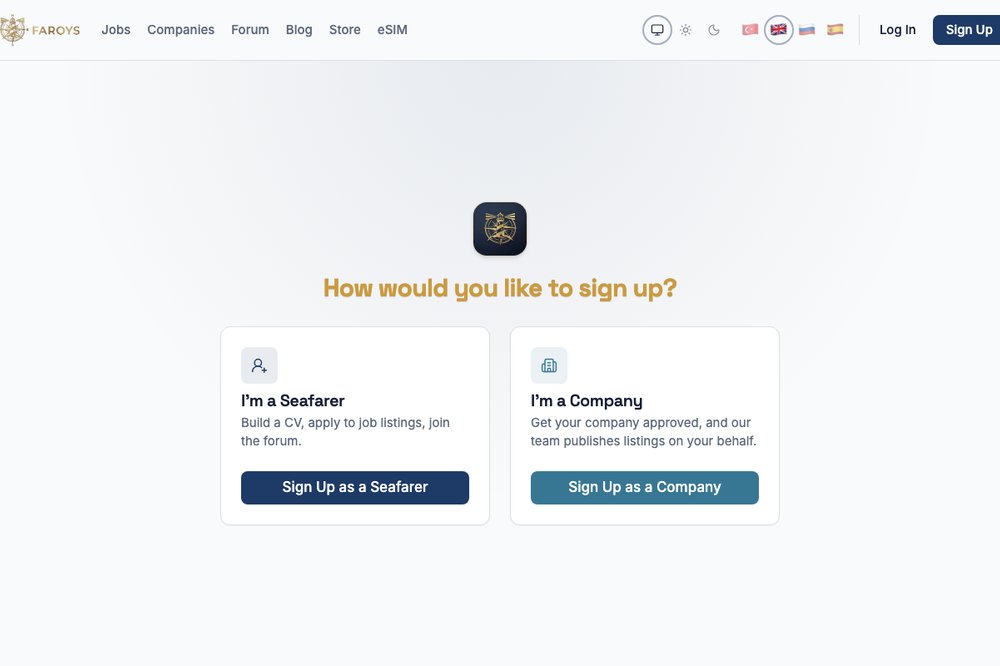
On the "Sign Up" page choose "I'm a seafarer". Enter your name, email and rank and you're a member within minutes — don't forget to verify your email.
2. Personal details and rank
On Profile → Edit CV:
- Your rank: the main field matched with maritime jobs; pick the right rank from the list.
- Preferred vessel type and salary expectation (with currency).
- Availability date: when you can join a ship — very important for companies posting sea jobs.
- Date of birth, nationality, native language, phone and city.
- About me: describe yourself in a few sentences, highlighting your experience and strengths.
3. Sea service (the most important section)
Add a separate entry for each ship:
- company and vessel name, your rank, vessel type
- sign-on / sign-off dates
- DWT and flag
- a reference person, if any (name, role, phone)
Employers posting seafarer jobs usually look for sea service on a specific vessel type and rank. Complete sea service puts you one step ahead when you contact them about maritime jobs.
 Image: Faroys screenshot
4. Certificates
Add your STCW certificates with issue and expiry dates. Faroys reminds you when certificates are about to expire, so your documents are ready when the right sea job comes along.
5. Education and languages
Add your school, department and graduation date, plus the languages you speak with their levels — English first. Maritime English is one of the most requested skills in maritime jobs.
6. Profile photo
Add a clear, recent, professional photo (PNG, JPG or WEBP). CVs with photos inspire more trust.
7. "Actively looking" and the verified badge
- You can mark that you are actively looking for work, so approved companies notice you more easily.
- Once your details are checked, a verified seafarer badge can be added to your profile.
8. View and print your CV
On Profile → CV, check how your CV looks to employers, and use the Print button to print it or save it as a PDF.
Practical tip: update your CV after every contract. Up-to-date sea service and valid certificates keep you ready for seafarer jobs at all times.
Full series: Faroys Guide: Maritime Jobs Without Commission